
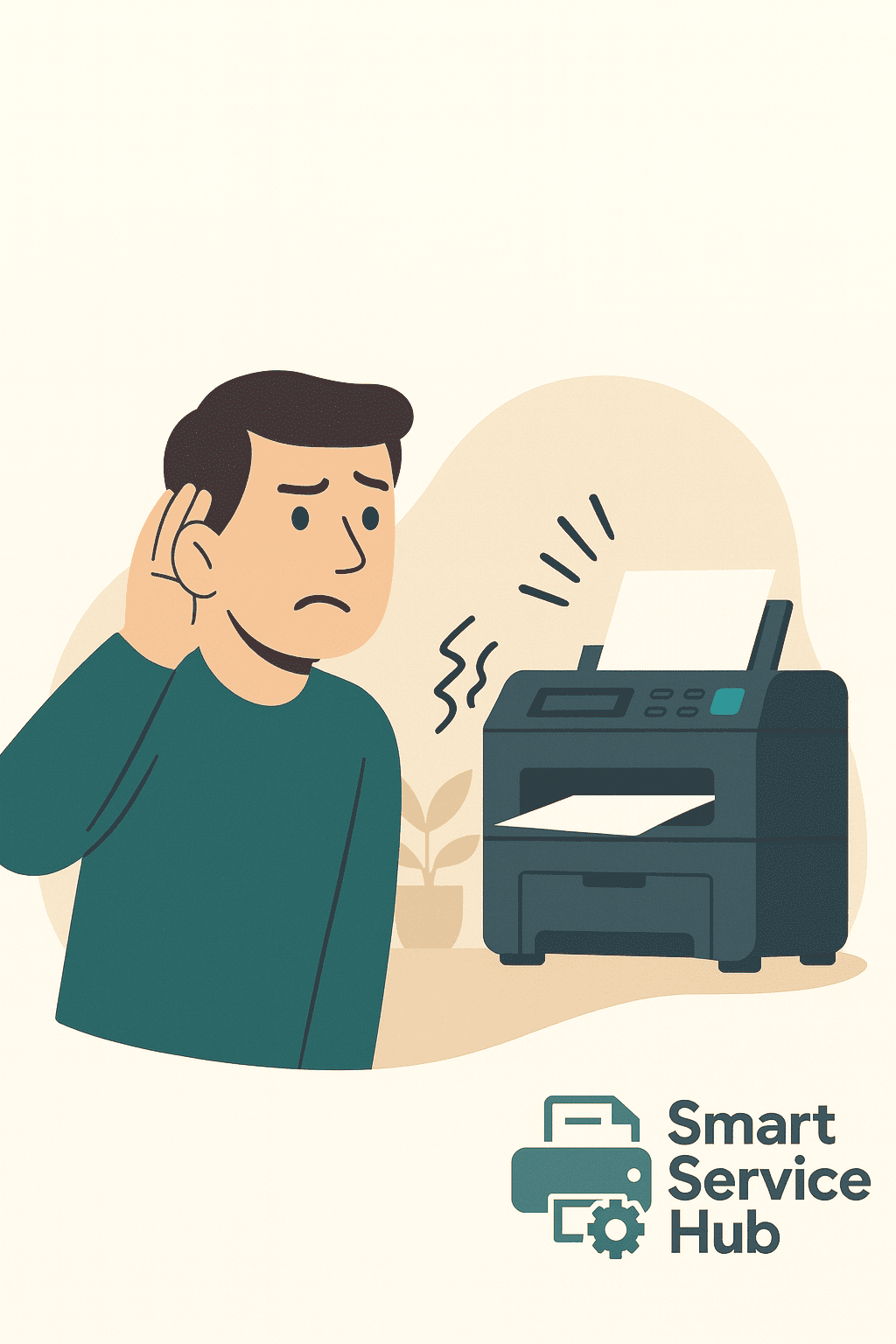
When a copier starts making unusual noises, it’s often a sign that something inside is not working as it should. Clicking, grinding, squealing, or rattling sounds may seem minor at first. However, if they are ignored, small issues quickly turn into serious mechanical failures. Because of this, it’s important to understand why your copier is making noises and when you need professional repair.
Smart Service Hub provides copier and printer repair services across Ottawa, Gatineau, Petawawa, Pembroke, Renfrew, Arnprior, Cornwall, and the entire Upper Ottawa Valley. Since our technicians are local, we can respond quickly and diagnose noise-related issues before they cause downtime.
Why Is My Copier Making Noises During Operation?
Copiers contain many moving parts that must work in sync. Over time, normal wear, dust, or misalignment can cause components to move incorrectly. As a result, the copier often starts making unusual sounds. While some noises are harmless, others are early warning signs that should not be ignored.
Why Is My Copier Making Noises Because of Worn Rollers?
Paper feed rollers move sheets through the copier. With regular use, rollers harden, crack, or lose grip. Because of this, they may squeak, thump, or create repetitive knocking sounds. In addition, worn rollers often lead to paper jams and misfeeds.
Why Is My Copier Making Noises from a Failing Fuser?
The fuser uses heat and pressure to bond toner to paper. When fuser rollers wear out or become damaged, buzzing or grinding noises may appear. Since the fuser operates at high temperatures, technicians should address this problem quickly to avoid further damage.
👉 Related: Poor Print Quality: Smudges, Streaks and How to Avoid Them
Why Is My Copier Making Noises Due to Gear or Drive Issues?
Inside every copier are gears that control rollers, motors, and internal movement. If a gear cracks, slips, or loses alignment, clicking or grinding noises can occur. Over time, damaged gears may affect nearby components and increase repair costs.
👉 External reference: Xerox Support – Copier noise troubleshooting
Why Is My Copier Making Noises Because of Foreign Objects?
Small objects such as paper clips, labels, or torn paper pieces sometimes fall into the paper path. When this happens, you may hear scraping or rattling sounds. If not removed promptly, these objects can damage rollers or sensors.
Why Is My Copier Making Noises from Motor Problems?
Motors control paper feeding, scanning, and internal movement. When a motor begins to fail, it may produce humming, whining, or grinding sounds. Because motors are essential to copier operation, this issue usually requires a professional technician.
When Copier Noises Mean Immediate Repair Is Needed
You should stop using the copier and call a technician if:
- the noise suddenly becomes louder or constant
- grinding or metal-on-metal sounds appear
- the copier smells hot or burnt
- print quality suddenly drops
- paper jams increase
👉 Related: Same Day Printer Repair — When You Should Call a Technician Immediately
How a Technician Fixes a Noisy Copier
Inspection and Diagnosis
First, the technician inspects rollers, gears, motors, and the fuser assembly. In most cases, the source of the noise can be identified quickly.
Cleaning and Part Replacement
Next, worn parts are replaced and debris is removed. Because technicians carry common replacement parts, many repairs are completed during the first visit.
Testing and Calibration
Finally, the technician tests the copier under normal workload conditions to ensure quiet and smooth operation.
Which Copiers and Printers Commonly Develop Noise Issues?
Noise problems can occur in many office copiers and multifunction printers, including:
- Canon imageRUNNER & imageRUNNER ADVANCE
- Xerox WorkCentre, AltaLink, VersaLink
- Ricoh IM, MP, and Pro series
- Konica Minolta Bizhub & Accurio
- Kyocera TASKalfa & ECOSYS
- HP LaserJet Enterprise & Managed MFP
- Lexmark MX & XC series
- Sharp MX series
- Toshiba e-STUDIO
- Brother MFC business models
These machines are built for high-volume use, but regular maintenance helps keep them running quietly.
How to Prevent Copier Noise Problems
Regular maintenance helps prevent noise-related issues. For example:
- cleaning rollers and paper paths
- replacing worn parts early
- removing toner and paper dust
- servicing the fuser before failure
👉 Related: Office Equipment Maintenance – Save Money and Prevent Downtime
Final Thoughts: Why Is My Copier Making Noises?
A copier that makes unusual noises is often warning you about internal wear or damage. While some problems seem minor, but others quickly lead to serious breakdowns if ignored. Because of this, early diagnosis and repair are the best way to protect your equipment.
Smart Service Hub provides reliable copier and printer repair throughout Ottawa and surrounding communities. If your copier is making unusual noises, our technicians can diagnose the issue and restore smooth, quiet operation.
Contact us today to schedule a service visit or inspection.