
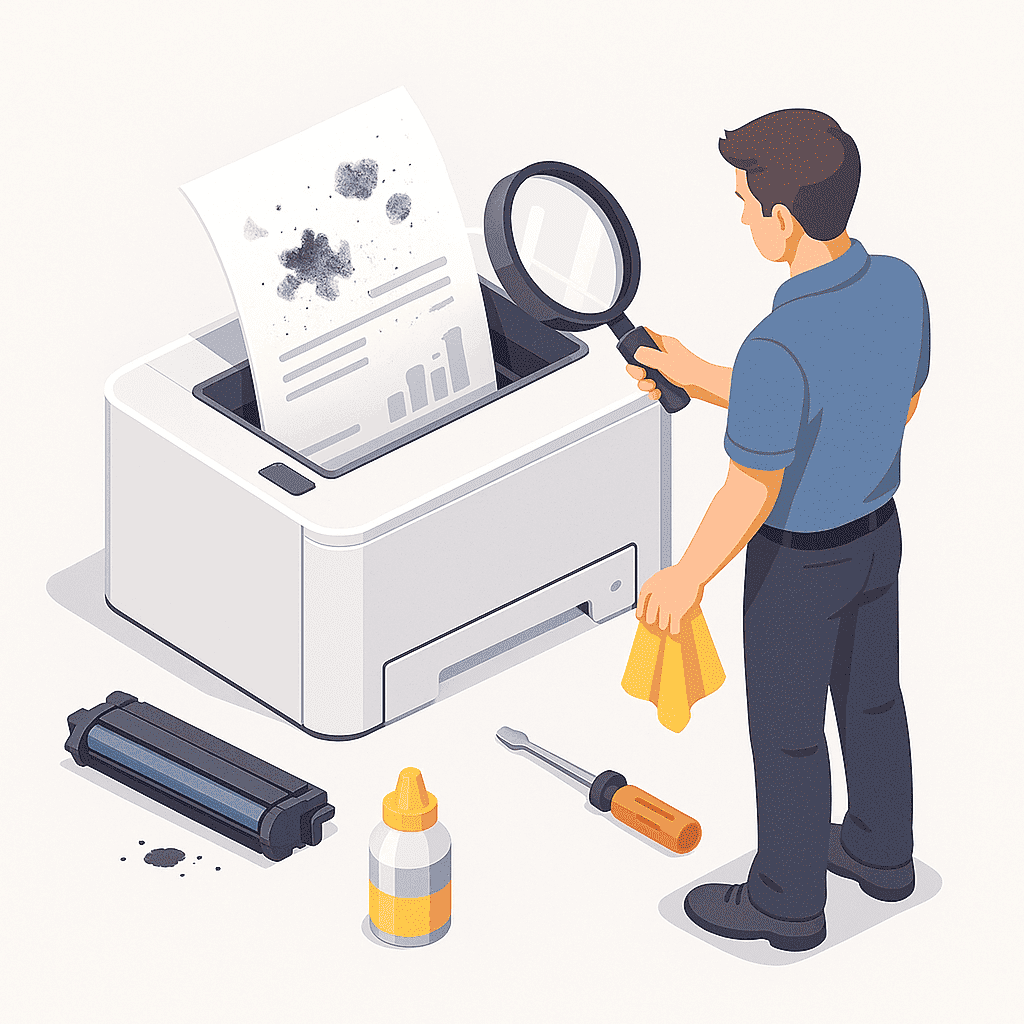
Blurry text, smudges, or streaks across your printed pages are clear signs that your printer needs attention. Whether you use an inkjet or laser model, these issues can waste toner, ruin important documents, and slow down productivity. At Smart Service Hub, we’ve restored print quality for clients across Ottawa, Gatineau, Pembroke, Petawawa, Renfrew, Arnprior, and the Upper Ottawa Valley. Here’s how to prevent and fix these common print problems.
1. Clean the Print Heads or Drum
Ink buildup and toner residue are often the main culprits. Use your printer’s cleaning function or, for laser printers, carefully wipe the drum with a lint-free cloth. If prints still look dirty, it may be time for a drum replacement.
2. Use the Right Paper Type
Paper designed for the wrong printer (e.g., glossy inkjet paper in a laser printer) can cause smearing. Always match your paper type to your printer model — and store it in a dry, dust-free area.
3. Replace Worn Cartridges or Toner
Old or damaged cartridges often leak, creating streaks or faded sections. Use genuine parts from HP, Canon, Brother, Xerox, Ricoh, Konica Minolta, Kyocera, or Lexmark for reliable performance.
4. Adjust Printer Settings
If colors look off or too dark, check your printer preferences. Reducing toner density and enabling “High Quality” mode can improve sharpness and contrast.
5. Schedule Routine Maintenance
Preventive care keeps your printer performing like new. Smart Service Hub technicians can clean internal components, replace worn rollers, and ensure even toner distribution to deliver spotless prints.
Keep Your Prints Sharp and Professional
If you’re noticing streaks or smudges that won’t go away, call Smart Service Hub for fast, professional service. We’ll make sure your printer produces crisp, high-quality pages — every time.