
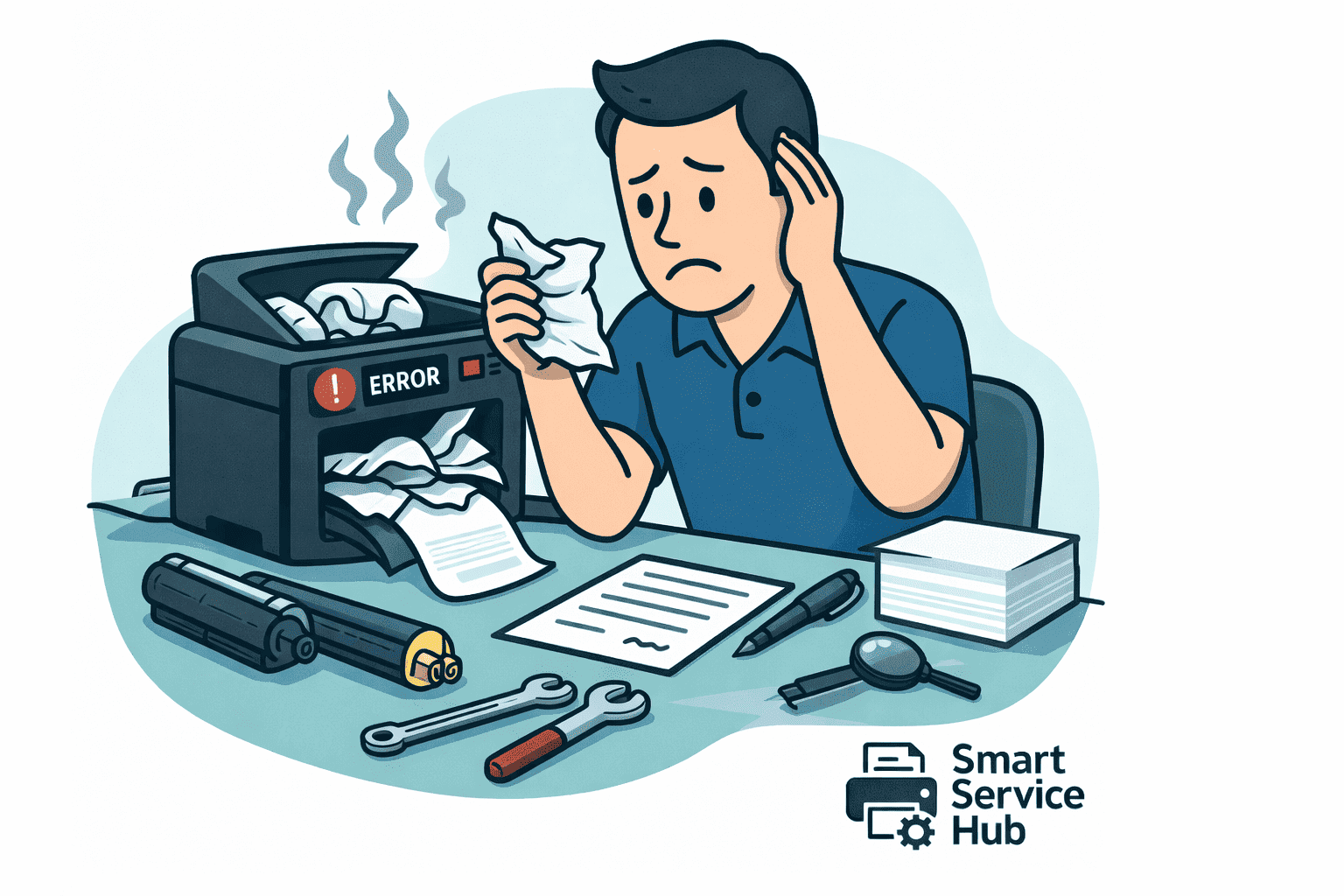
Common printer problems can disrupt office productivity and lead to unexpected repair costs. Even reliable devices from brands like HP, Canon, Brother, Epson, Xerox, Ricoh, Konica Minolta, Sharp, Toshiba, OKI, Panasonic, and Kyocera eventually develop issues. Understanding common printer problems and what causes them helps businesses reduce downtime and prevent costly interruptions.
However, even reliable devices eventually develop issues. Understanding common printer problems and what causes them helps reduce downtime, lower repair costs, and improve overall productivity.
Below are the most frequent printer problems and their root causes.
1. Common Printer Problem: Printer Not Printing
One of the most common printer problems occurs when the device does not respond at all.
In many situations, the issue is not mechanical. Instead, communication between the computer and printer fails.
Common causes:
- Printer set to offline
- Corrupted or outdated drivers
- Network disconnection
- Stuck print queue
As a result, print jobs never process.
Before assuming hardware failure, restart the device, clear the queue, and verify the connection.
If your printer shows offline status, read:
➡ Printer Shows “Offline” – How to Get It Working Again
You can also check official troubleshooting instructions from the
HP Support Center: https://support.hp.com
or the Canon Support Portal: https://www.usa.canon.com/support
These manufacturer resources provide model-specific diagnostics.
2. Common Printer Problems: Paper Jams and Feeding Issues
Paper jams are extremely common in busy offices. Although they seem minor, repeated jams can damage internal rollers and sensors.
Why paper jams happen:
- Worn pickup rollers
- Incorrect paper size or type
- Overloaded trays
- Humidity affecting paper
Over time, rollers lose traction. Consequently, paper feeds unevenly and becomes stuck.
If this issue occurs frequently, it may signal mechanical wear rather than simple misalignment. For more insight, see:
➡ Why Does My Printer Keep Jamming?
3. Common Printer Problems with Print Quality
Faded text, streaks, or uneven printing usually relate to consumables or imaging components.
Typical causes:
- Low or defective toner
- Worn drum unit
- Dirty print heads
- Low-quality compatible supplies
Although inexpensive toner may seem cost-effective, it often leads to inconsistent output and higher long-term service costs. Therefore, using reliable supplies protects both performance and equipment lifespan.
For a deeper breakdown of print defects, read:
➡ Poor Print Quality: Smudges, Streaks and How to Avoid Them
4. Printer Printing Blank Pages
Blank pages are confusing because the printer appears to function normally.
However, the issue typically involves:
- Empty or improperly installed cartridges
- Clogged ink nozzles
- Incorrect print settings
- Driver conflicts
In most cases, configuration errors prevent proper data transfer rather than hardware failure.
5. Slow Printing Performance
Slow printing disrupts workflow and reduces office efficiency.
Common reasons:
- High-resolution print settings
- Large graphic-heavy files
- Limited onboard memory
- Network congestion
While occasional delay is normal, persistent slowness often indicates configuration or infrastructure issues. Consequently, reviewing settings and network performance may resolve the problem quickly.
6. Error Codes and Warning Messages
Modern printers display error codes to signal internal issues.
These warnings often indicate:
- Fuser assembly problems
- Sensor failures
- Maintenance intervals reached
- Paper feed malfunctions
Ignoring repeated error messages can worsen the issue. Therefore, early intervention prevents extended downtime and costly repairs.
Preventing Common Printer Problems
Although printer issues are inevitable, preventive care significantly reduces failure rates.
Best practices:
- Schedule routine maintenance
- Replace worn rollers proactively
- Use high-quality toner and paper
- Keep firmware updated
- Avoid exceeding recommended duty cycles
As a result, printers operate more reliably and last longer.
Professional Printer Service
If printer problems persist or repeatedly return, professional diagnostics are recommended. Repeated DIY attempts often increase repair costs.
We provide printer service and support across:
- Ottawa
- Gatineau
- Pembroke
- Petawawa
- Renfrew
- Arnprior
Early intervention protects productivity and reduces downtime.