
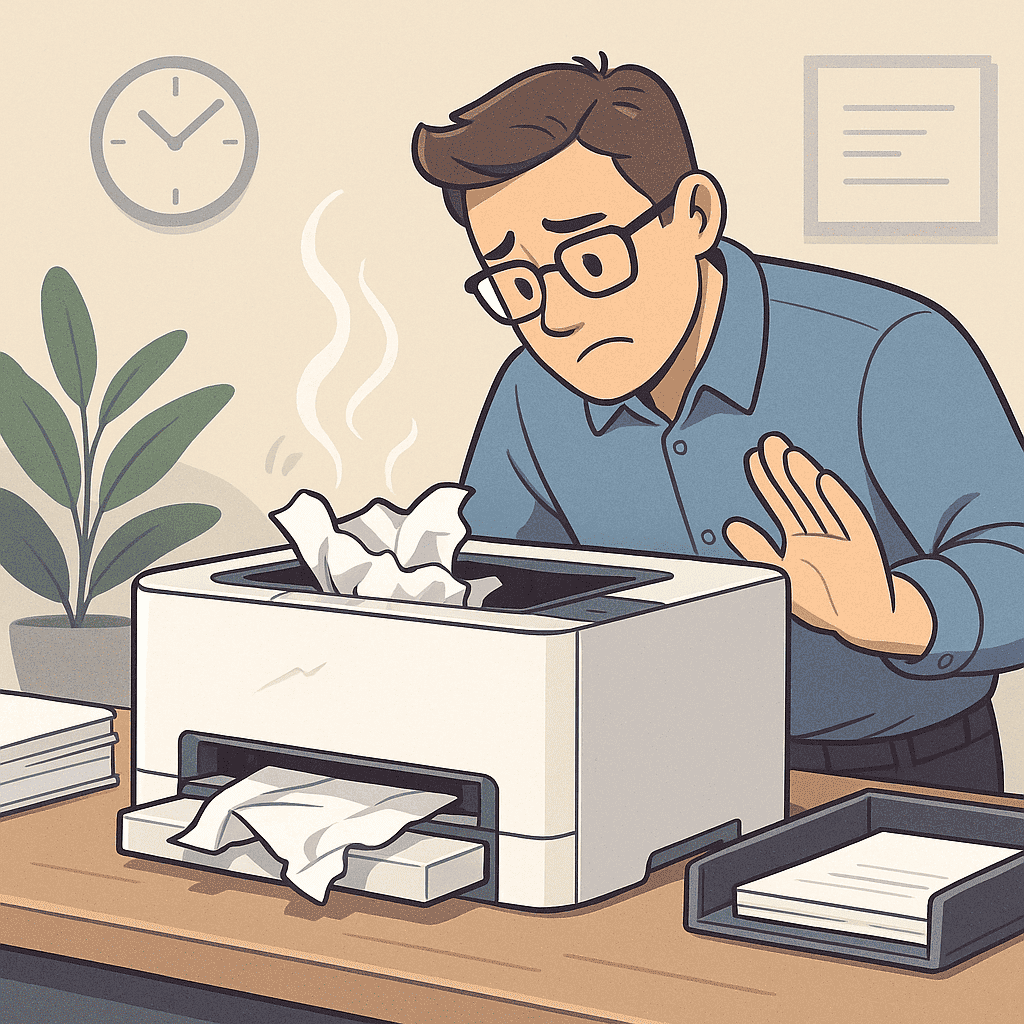
Frequent paper jams interrupt your workflow, waste supplies, and cause unnecessary frustration. Whether you’re managing a home printer or running a busy office, preventing jams is easier than it seems. At Smart Service Hub, we help businesses across Ottawa, Gatineau, Pembroke, Petawawa, Renfrew, Arnprior, and the Upper Ottawa Valley keep their printers running smoothly. With a few simple steps — and sometimes a professional inspection — you can significantly reduce these issues and prevent paper jams altogether.
1. Use the Right Paper Type and Quality
Poor-quality, damp, or curled paper is one of the most common causes of jams. Always check your printer’s manual for supported paper types. Additionally, store paper in a cool, dry place to avoid moisture absorption.
For best results, use premium paper from trusted brands such as HP, Canon, Brother, Xerox, and Ricoh. High-quality paper feeds more consistently and reduces misfeeds.
For official guidance on choosing the right paper, you can also visit:
https://support.hp.com/us-en/help/printer/paper-jam
2. Load Paper Correctly
Improper loading issues often lead to jams. Fan the stack briefly before inserting it into the tray, avoid overfilling, and ensure the paper guides fit snugly against the edges. As a result, the printer can pull each sheet evenly.
3. Keep the Printer Clean
Dust, toner residue, and tiny scraps of paper can cause rollers to slip. Clean the rollers and paper path with a lint-free cloth or follow your printer’s cleaning cycle.
If jams continue, our Ottawa printer repair service can remove debris, clean rollers, and restore proper feeding.
4. Replace Worn-Out Rollers
Over time, pickup and feed rollers lose their grip. If you’re experiencing recurring jams even after cleaning, it may be time to replace them. In many cases, new rollers immediately restore smooth feeding.
5. Avoid Mixing Paper Types
Different paper weights, coatings, and textures feed differently. Mixing them in a single tray often causes uneven feeding and tension. Stick to one paper type per tray for consistent operation.
6. Schedule Preventive Maintenance
Preventive maintenance is one of the most effective ways to prevent paper jams long-term. Smart Service Hub technicians perform:
- roller cleaning
- feed system inspection
- alignment checks
- debris removal
- internal dusting
Ultimately, this keeps your printer reliable and extends its lifespan.
When You Should Call a Technician
If your printer continues to jam despite using proper paper, cleaning the rollers, and loading trays correctly, the issue may involve a worn fuser, damaged pickup assembly, or internal sensor fault. At that point, professional help is the fastest and most cost-effective option.
Local Support You Can Trust
If your printer keeps jamming, don’t let it slow your business down. Contact Smart Service Hub — your local experts for smart, reliable printer care across Ottawa and the Ottawa Valley. We’ll diagnose the issue, fix the root cause, and help you prevent future jams.