
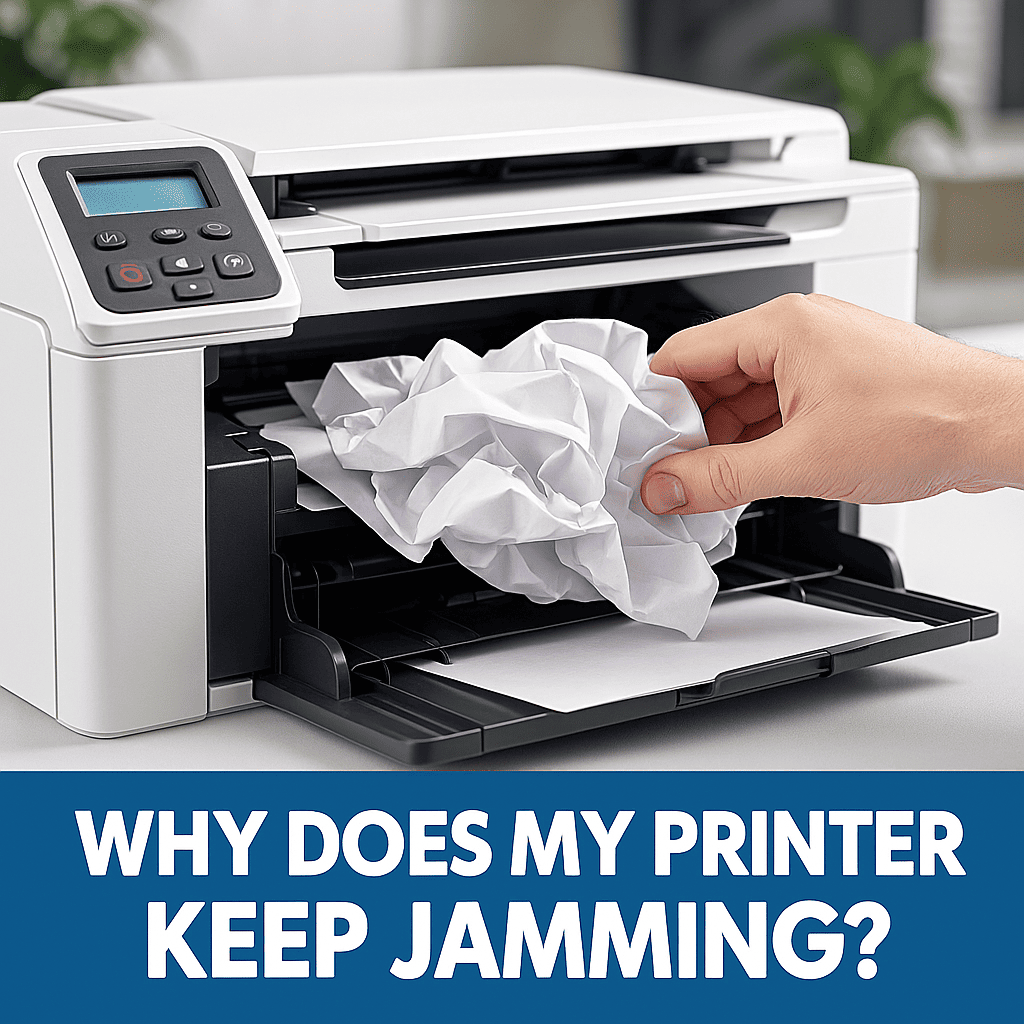
If your printer keeps jamming, you’re not alone — it’s one of the most common printing issues. Paper jams are one of the most common printer problems. They stop your work, waste paper, and create stress. Fortunately, most jams have clear causes. With the right habits, you can reduce them and keep your printer running smoothly.
At Smart Service Hub, we’ve helped businesses and homeowners across Ottawa, Gatineau, Petawawa, Pembroke, Renfrew, Arnprior, and the Upper Ottawa Valley for more than 30 years. Because of our experience, we know exactly why printers jam — and how to prevent it.
Why Your Printer Keeps Jamming – Common Reasons
Paper jams usually happen when something interrupts the flow of paper. Below are the most common causes:
Incorrect or Overloaded Paper Trays
When trays are overloaded or guides are set incorrectly, the printer may pull the paper at the wrong angle. As a result, sheets misfeed or crumple.
Damaged or Low-Quality Paper
Wrinkled, damp, or low-grade sheets often snag on rollers. In addition, recycled paper may contain hidden staples or debris.
Dirty or Worn Rollers
Rollers lose grip over time. Dust and toner build-up make the printer pull paper unevenly.
Foreign Objects Inside the Printer
Small pieces of torn paper, labels, or clips block the paper path. Even tiny objects can stop the mechanism.
Humidity and Storage Issues
Damp paper sticks together. Therefore, double feeds and jams become more frequent.
Old or Defective Parts
Worn fuser units, separation pads, or sensors may cause the printer to misread paper movement.
How to Prevent Printer Keeps Jamming Issues
Many jams are preventable. With a few good habits, you can avoid most issues:
- Fan and align paper before loading it.
- Keep paper flat, dry, and free from staples or clips.
- Do not exceed tray capacity.
- Set guides snugly against the stack.
- Use high-quality paper designed for your printer model.
- Clean rollers regularly to remove dust and toner.
- Store paper in the wrapper until needed.
- Keep firmware and drivers updated.
When Your Printer Keeps Jamming and Needs Expert Service
Sometimes jams continue even after basic maintenance. In these cases, the issue may be deeper:
- worn feed rollers
- a failing fuser
- misreading sensors
Forcing paper out or opening complex parts can make the problem worse. Instead, let professionals diagnose the issue.
Smart Service Hub technicians repair all major brands — HP, Canon, Brother, Xerox, Lexmark, Kyocera — and provide full on-site service across Ottawa, Gatineau, Petawawa, Pembroke, Renfrew, Arnprior, Cornwall, and nearby towns.
We can clean, calibrate, and replace worn components to restore smooth feeding.
Keep Your Office Printing Without Interruptions
Paper jams are frustrating, but they don’t have to be constant. With proper care and regular maintenance, you can reduce downtime, avoid damage, and extend the life of your printer.
If your printer keeps jamming despite your best efforts, Smart Service Hub is here to help with fast, dependable service throughout the Ottawa region.
Contact us today to book a repair or schedule preventive maintenance — and eliminate paper jams for good.
Leave a Reply