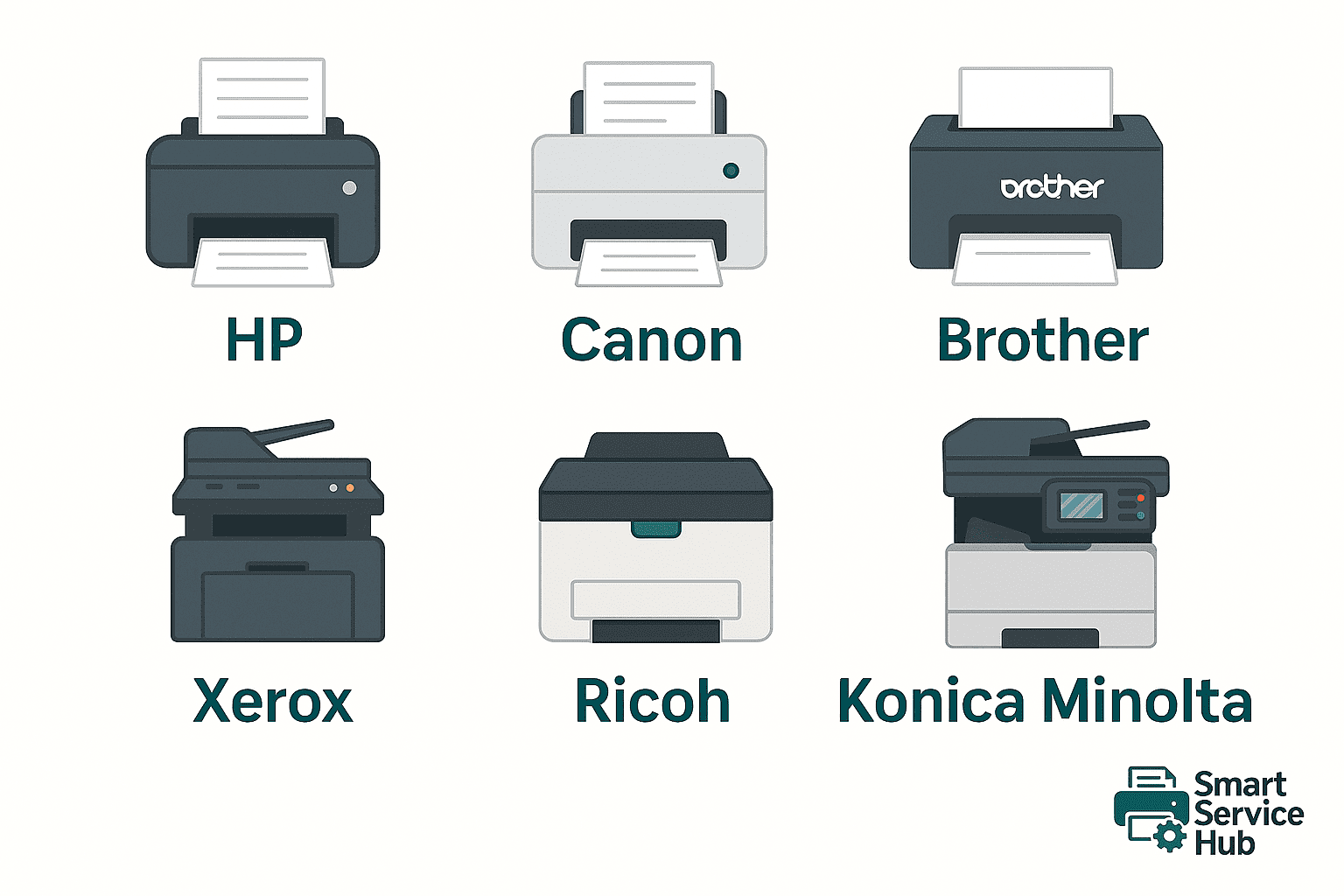
Choosing Between HP, Canon, Brother, Xerox, Ricoh, and Konica Minolta in Ottawa
When setting up or upgrading your office printing system, choosing the right brand can affect everything — from print quality and reliability to long-term maintenance costs.
At Smart Service Hub, we provide professional printer and copier support across Ottawa, Gatineau, Petawawa, Pembroke, Renfrew, and Arnprior, helping local businesses choose the best solution for their specific needs.
🖨 HP — The Reliable Industry Standard
HP (Hewlett-Packard) remains one of the most trusted names in office printing.
- Strengths: Reliable performance, intuitive software, and a wide range of models — from compact LaserJets to enterprise-class MFPs. HP printers are known for consistent print quality, fast output, and extensive driver compatibility for both Windows and Mac.
- Maintenance & Costs: HP toner is widely available, and parts are easy to replace. Preventive maintenance helps avoid common issues like worn fusers or paper feed rollers.
- Best for: Small and medium-sized businesses that value dependability and easy upkeep.
📄 Canon — Precision, Clarity, and Color Accuracy
Canon printers stand out for their exceptional print precision and vibrant color reproduction.
- Strengths: Excellent for photo-quality printing, brochures, and marketing materials. Canon’s MFPs are also highly efficient in scanning and document handling, making them ideal for administrative work.
- Maintenance & Costs: Though original toners can be expensive, they ensure crisp, professional results. Canon machines generally require minimal intervention if maintained regularly.
- Best for: Offices that rely on high-quality colour printing, such as architects, real estate agencies, or marketing teams.
⚙ Brother — Practical, Compact, and Cost-Effective
Brother printers are known for low operating costs and simplicity.
- Strengths: Compact design, low toner prices, and dependable black-and-white performance. Brother laser printers are a favourite among small businesses that print primarily text documents.
- Maintenance & Costs: Easy to service and affordable to maintain. Replacement parts are inexpensive, but components like the drum unit may need periodic replacement.
- Best for: Home offices and small businesses looking for consistent, low-cost printing.
🧰 Xerox — Built for Heavy-Duty Office Work
Xerox is synonymous with durability and enterprise-level functionality.
- Strengths: Designed for high-volume printing, their machines deliver advanced finishing options, strong security, and network-ready features. The user interface is typically intuitive and touchscreen-based.
- Maintenance & Costs: Regular cleaning and preventive checks are essential to keep Xerox devices running at peak performance. While parts can be costlier, their long life often offsets that expense.
- Best for: Businesses with large teams and heavy daily print loads — law firms, schools, and government offices.
🔧 Ricoh — Productivity and Professional Workflow Integration
Ricoh devices combine speed, energy efficiency, and scalability.
- Strengths: Reliable, enterprise-grade printers with powerful document management tools. Their advanced software integration (such as scan-to-email and cloud workflows) helps streamline business operations.
- Maintenance & Costs: Ricoh printers are built for endurance, but benefit greatly from professional maintenance — especially for developer units and transfer belts.
- Best for: Large organizations and educational institutions that rely on document-heavy workflows.
🧩 Konica Minolta — Secure, Fast, and Feature-Rich
Konica Minolta printers and MFPs are often chosen for high-speed output and secure printing environments.
- Strengths: Excellent build quality, precision duplex printing, and optional stapling, folding, and booklet-making. They’re also well-known for robust cybersecurity features and user authentication.
- Maintenance & Costs: These machines require periodic service for optimal colour calibration and fuser health. Regular care ensures long-lasting, consistent output.
- Best for: Professional environments — accounting firms, healthcare providers, and service companies needing reliable document workflows.
🧾 Other Popular Brands Worth Considering
Beyond the major six brands, there are several other manufacturers — Lexmark, Kyocera, OKI, Epson, Panasonic, Toshiba, and Sharp — each with their own strengths and target markets.
- Lexmark is known for secure business printing and long-life components.
- Kyocera offers eco-friendly technology and ultra-durable ceramic drums.
- OKI specializes in LED printers ideal for graphic and retail applications.
- Epson dominates the inkjet space with refillable EcoTank models.
- Panasonic and Toshiba deliver reliable office copiers often used in government and education sectors.
- Sharp focuses on advanced MFP systems with large touchscreens and cloud integration.
Ultimately, every brand has its own advantages, limitations, and loyal customers. The best choice depends on your office size, printing volume, and specific workflow — there is no single “perfect” brand, only the one that best fits your needs.
💡 Final Advice: The Brand Matters, but Maintenance Matters More
Even the best printer can develop issues if neglected. Regular preventive maintenance, professional cleaning, and timely part replacement can extend the lifespan of any machine — regardless of the brand.
At Smart Service Hub, we provide professional printer, copier, and multifunction device service for all major brands — HP, Canon, Brother, Xerox, Ricoh, Konica Minolta, Kyocera, and more — across Ottawa and the Upper Ottawa Valley. Our techn