
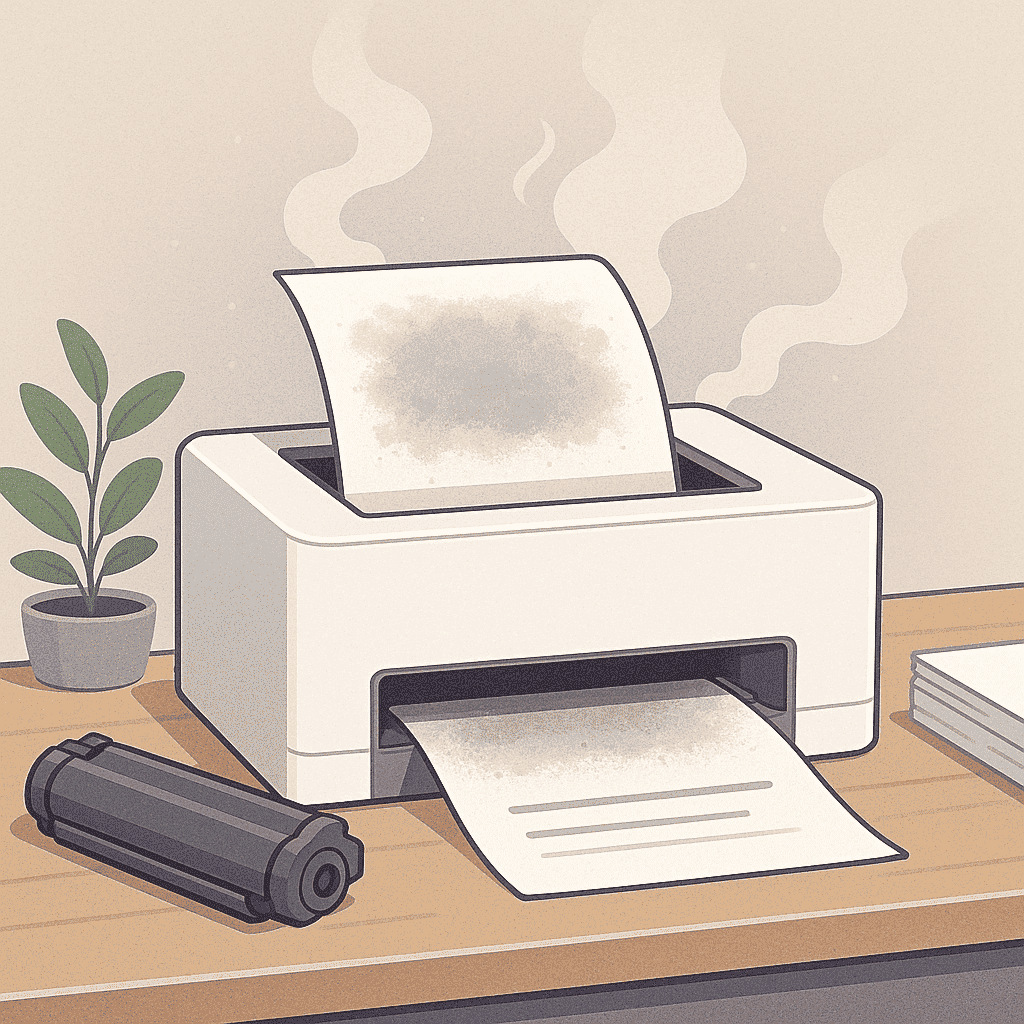
Seeing a gray or cloudy background on your printed pages can be frustrating, especially when you expect clean and sharp results. Many businesses contact us about gray background printing in Ottawa, because this issue appears often in laser printers and copiers. Fortunately, most causes are easy to diagnose and fix.
At Smart Service Hub, we’ve repaired hundreds of printers with this exact symptom across Ottawa, Gatineau, Pembroke, Petawawa, Renfrew, Arnprior, and the Upper Ottawa Valley. Below you’ll find the most common reasons for gray prints and simple steps you can take to restore print quality.
For official troubleshooting, you can also check
👉 HP Support: https://support.hp.com (opens in new tab)
1. Toner Overuse or Leakage
A worn-out or poor-quality toner cartridge may leak powder inside your printer, creating a gray background. Always use toner from trusted brands like HP, Canon, Brother, Xerox, Ricoh, Kyocera, Konica Minolta, or Lexmark. Low-quality refills often cause leaks, background shading, and even drum damage.
2. Dirty Drum Unit or Developer
If toner residue builds up on the drum or developer, the printed page may show uneven shading. Clean the drum using your printer’s cleaning mode or replace it if it is near the end of its life. This is one of the most common causes of gray background printing in Ottawa offices.
3. Incorrect Density Settings
High print density forces the printer to apply too much toner. Check your printer preferences and lower the density to medium or low. This is usually enough to fix light backgrounds or hazy gray pages.
4. High Humidity or Dust
Humidity and airborne dust affect how toner sticks to the paper. Keep your printer in a clean, temperature-controlled room — ideally 20–25°C with moderate humidity. Too much moisture often causes toner to “float,” which results in background shading.
5. Internal Cleaning and Maintenance
Dust buildup, worn rollers, and clogged toner pathways may lead to gray or cloudy prints. Regular maintenance prevents this. At Smart Service Hub, our technicians provide full internal cleaning, roller inspection, and toner system checks to eliminate gray background issues.
For more maintenance tips, see our related guide:
👉 Office Equipment Maintenance Ottawa
Get Reliable, Crisp Prints
If your printer still produces dull or gray pages, our team can help. Smart Service Hub offers fast, reliable service for all major brands across Ottawa and the Ottawa Valley. Contact us today and let our experts restore your print quality quickly and professionally.
📍 Serving Ottawa, Gatineau, Pembroke, Petawawa, Renfrew, Arnprior, and the Upper Ottawa Valley.