
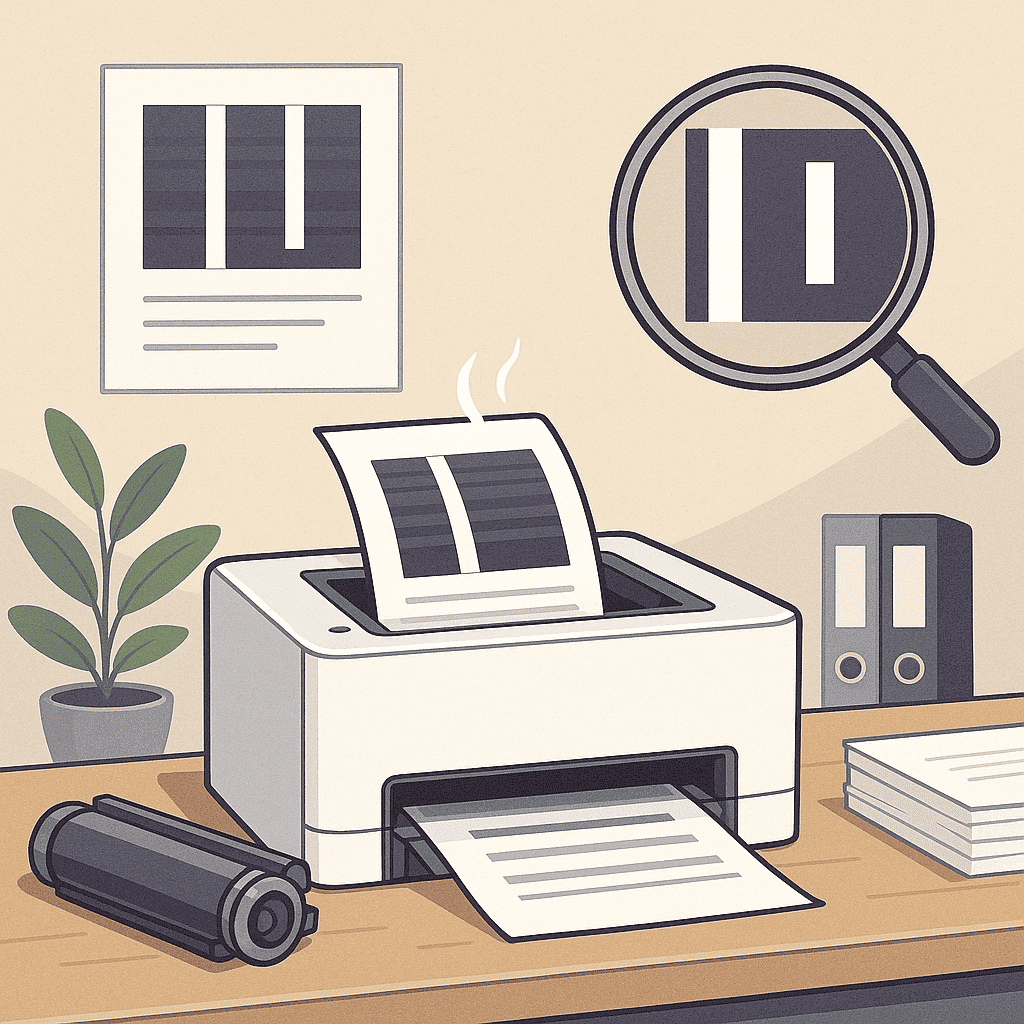
White vertical lines across your printed pages can be frustrating, especially when you rely on your printer for important documents. Fortunately, this issue is often easy to resolve with a few simple steps. At Smart Service Hub, we’ve helped customers across Ottawa, Gatineau, Petawawa, Pembroke, Renfrew, Arnprior, and the Upper Ottawa Valley fix this problem on printers from HP, Canon, Brother, Xerox, Ricoh, Kyocera, Konica Minolta, and Lexmark. With the right approach, you can usually solve the issue and fix white vertical lines quickly.
1. Check and Clean the Drum Unit
A dirty or damaged drum is one of the most common causes of white vertical lines. Remove the drum unit carefully and wipe it using a lint-free cloth. However, avoid touching the drum surface directly with your fingers — the oils from your skin can leave permanent damage.
Take a look at how Brother’s support team answers this question.
2. Inspect the Toner Cartridge
If your toner is running low or unevenly distributed, it may cause gaps where toner fails to reach the paper. Remove the cartridge and gently shake it side to side to spread the toner evenly.
In many cases, this restores even printing.
If the problem continues, replace the toner with a genuine cartridge recommended by your printer manufacturer.
3. Clean the Corona Wire
On many laser printers, the corona wire transfers toner to the page. When it becomes dirty, streaks and white lines can appear. Use your printer’s built-in cleaning option if available.
Alternatively, follow your manual’s instructions to gently clean it by hand.
4. Use Quality Paper
Low-quality or moisture-damaged paper can cause toner to adhere unevenly. Store paper in a cool, dry place and use high-quality sheets designed for your printer type. As a result, you’ll see more consistent print quality.
5. Schedule Preventive Maintenance
Sometimes white lines are caused by worn rollers, damaged transfer components, or clogged internal parts. Preventive maintenance keeps your device clean and functioning properly. Smart Service Hub technicians can inspect your printer, clean internal components, and restore even image transfer — eliminating streaks, gaps, and vertical lines.
When You Should Call a Technician
If white lines continue to appear after cleaning the drum, corona wire, and toner cartridge, the issue may involve the transfer belt, laser scanner, or a damaged drum. At that point, a professional inspection is the fastest and most cost-effective solution.
Our Ottawa printer repair service can diagnose the root cause and fix the issue on-site.
Need Expert Help?
If you keep seeing white vertical lines even after following these steps, contact Smart Service Hub for fast diagnostics and repair. We serve Ottawa, Gatineau, Petawawa, Pembroke, Renfrew, Arnprior, and the entire Upper Ottawa Valley — providing quick, reliable service with guaranteed results.